
Qbserve
Automatic Time Tracker for Mac
Try it and make more use of your time!
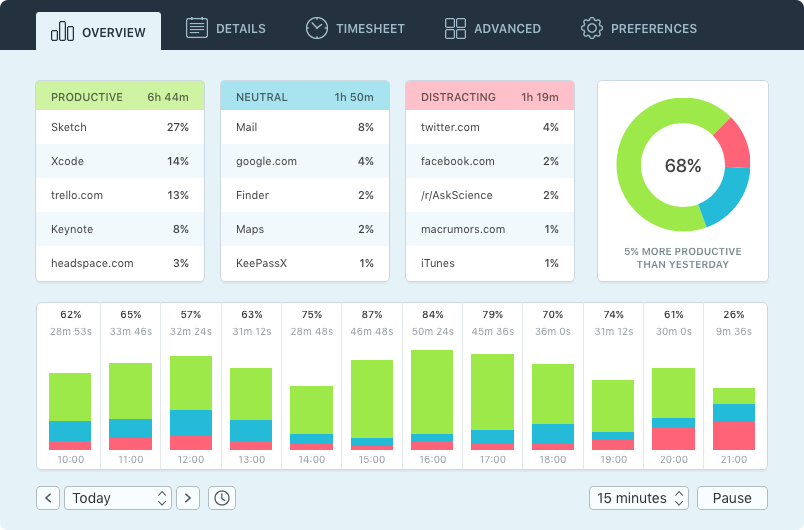

Qbserve integrates with macOS to provide you with:

See how you spend your time and improve your workflow with:

Your privacy and budget are important to us:


Effortless to use and incredibly informative. Qbserve provides me with an easy way to track my activities while on my computer.
— Thomas M.
I use Qbserve to help me stay highly productive when I'm working remotely. It is the first time tracking tool that actually works for me.
— Daryl Z.
It was the perfect tool to help me keep track of my daily browsing habits and finding other productivity killers.
— Christian B.
Qbserve has become an important part of my workflow. It's incredibly quick to set up and very easy to use.
— Daniel W.
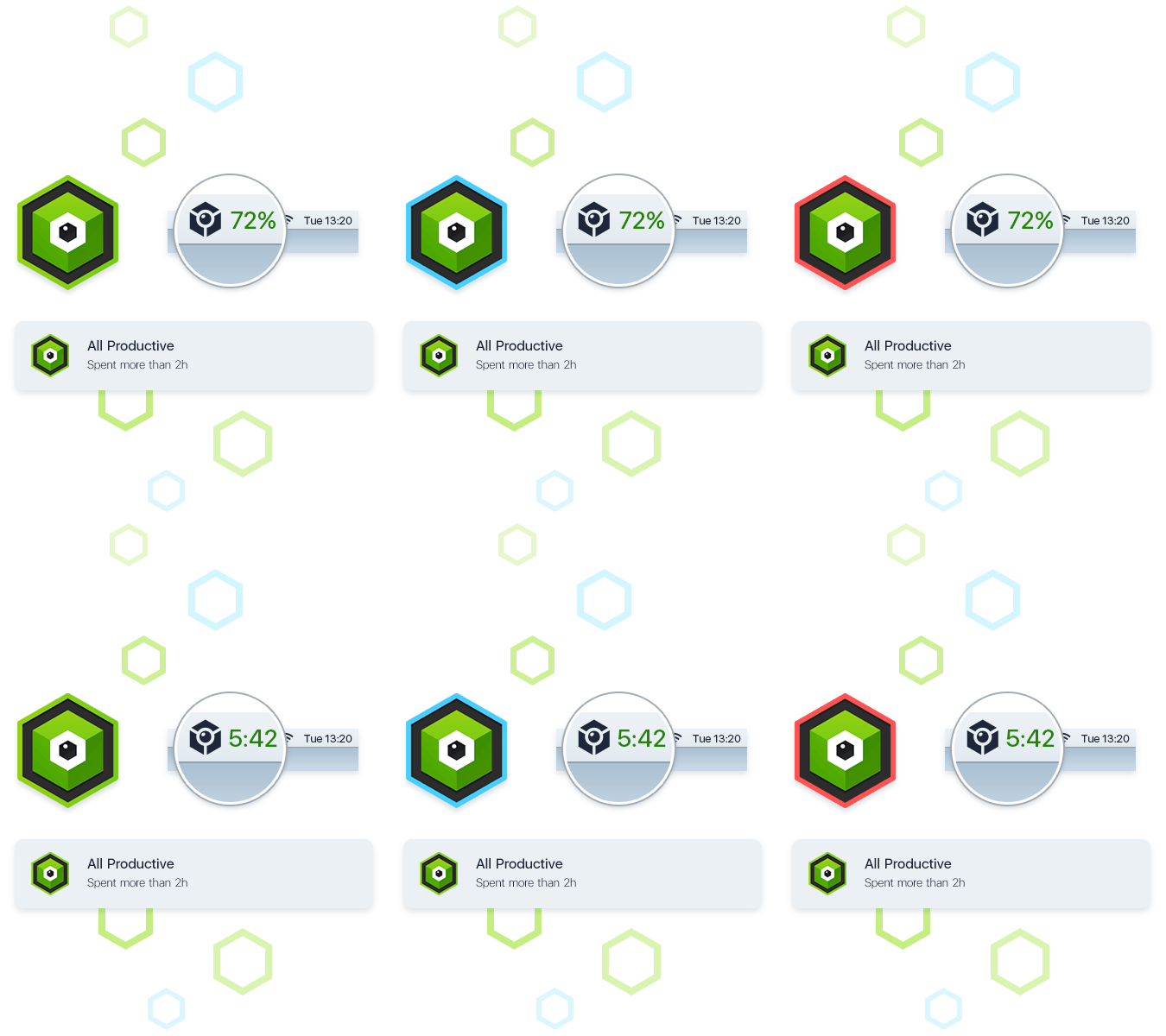
Qbserve keeps you focused with multiple reminders so you can be productive and distraction-free.

Qbserve gives you a productivity score, which you can easily see at all times in the menu bar. Its icon changes color to reflect your performance.
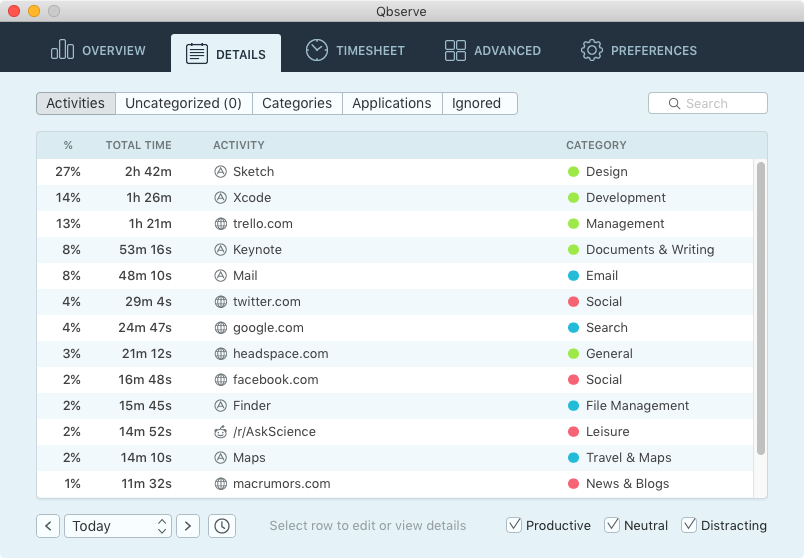
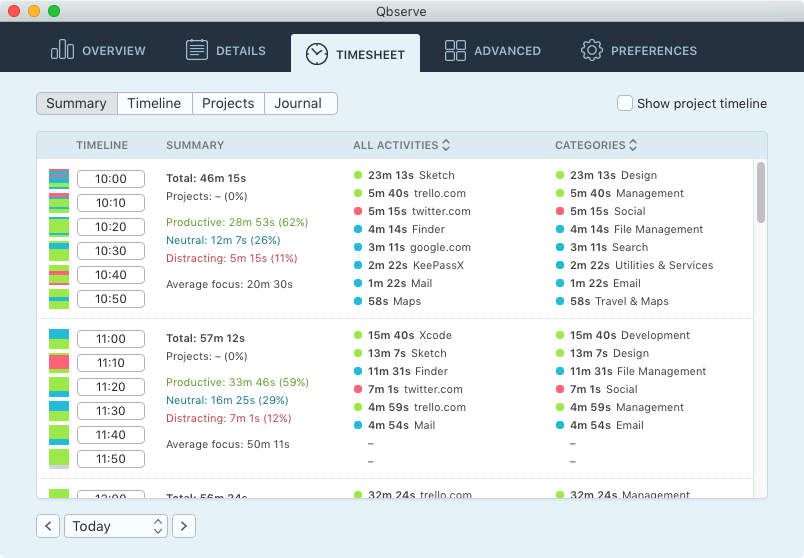
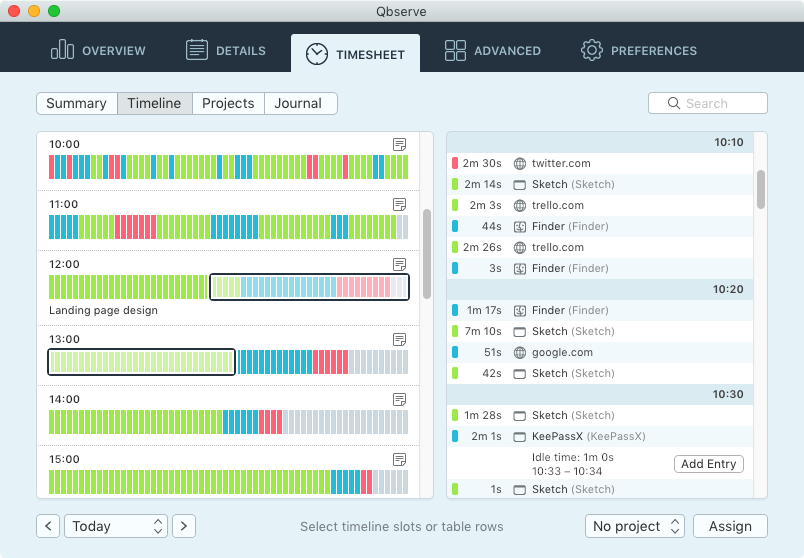
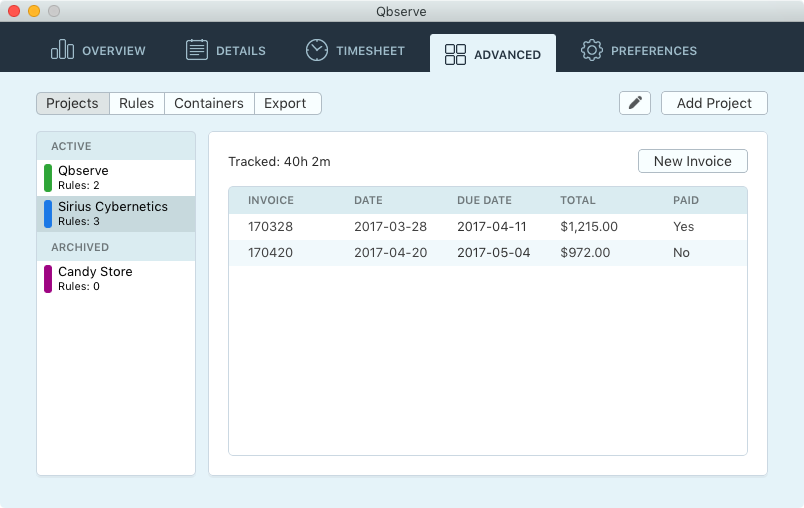

Qbserve makes time tracking for freelancers easier by determining billable time based on opened documents and web pages.
Create rules to tell Qbserve when to track time for a specific project. Qbserve will only track time for a project when it detects a document path or browser address that contains a specific string (like a project name) that you have set up.
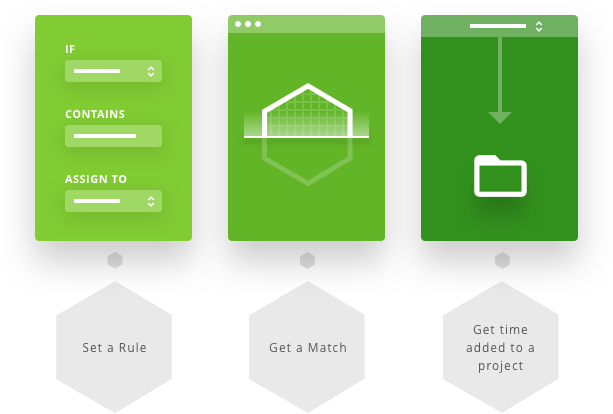
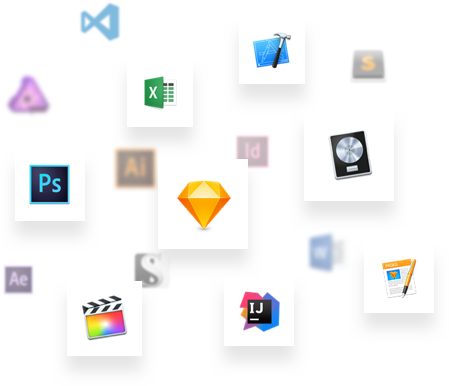
Qbserve detects document paths in most of Mac apps. It also detects web page addresses in Chrome, Safari, Firefox, and some other browsers. Qbserve uses the rules you have personally set up for it to track time for projects.
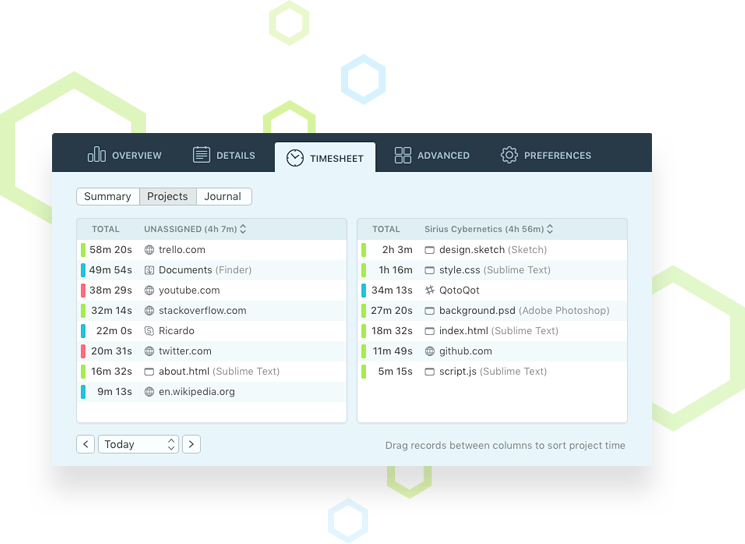
At the end of the work day you can assign undetected time inside the timesheets in less than a minute. Undetected screen time is generated from sites and tools where the rules you’ve created for Qbserve cannot be applied.
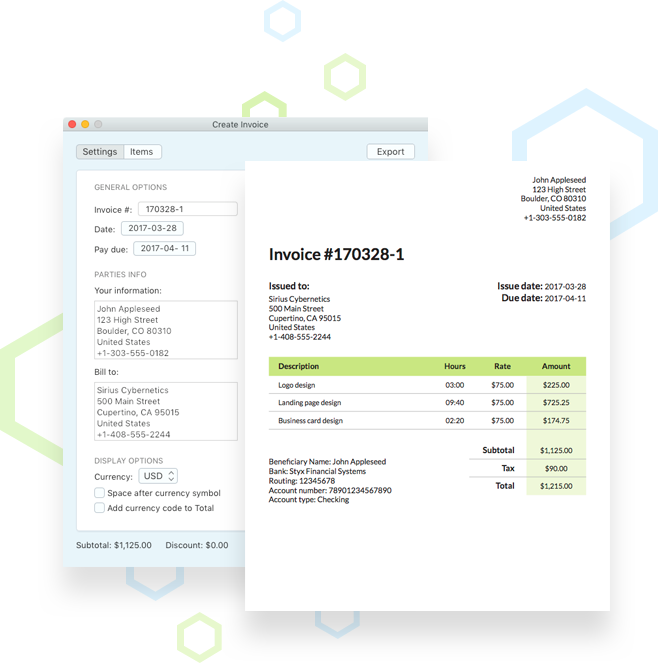
Invoice items are created automatically from recorded time and you can customize them. Qbserve has many flexible billing settings to fit your needs and 18 invoice languages to choose from.






Qbserve is built specifically for macOS and uses the operating system’s features to provide the most accurate time logging experience for Mac users.

Qbserve logs the sites you visit and can be instructed to ignore private tabs. It detects sites in Chrome and Safari and you can install extensions for site tracking in Firefox, Vivaldi, Opera and Yandex Browser.
Qbserve also tracks YouTube videos and Reddit subs separately, so you can categorize them as productive if necessary.

Idle time is detected intelligently. Tracking will stay active when you're using applications and sites from the "Videos & TV" category. Qbserve also suggests to enter your time manually when you return to your Mac.

Collected data can be exported to JSON and CSV formats. Exports can be scheduled to repeat automatically at a specified time interval. See "Exporting Timesheets" for more details.

Qbserve logs time spent in Slack teams so you can get accurate time reports whether you’re talking with friends or work colleagues.